Following the change to authentication on Friday, 12th June, you will notice that there has been a change to the way you sign-in to University services.
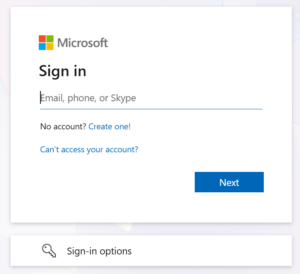
When accessing University services, you will be presented with the following prompt as normal where you will be asked to enter your University email address (@stu.chi.ac.uk or @chi.ac.uk):
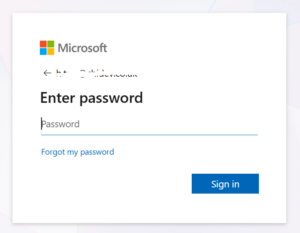
When you click Next above, you will then be presented with the following screen for your University password:
Once you have entered your University password, select ‘Sign In’ above.
If you are using a Univeristy computer, you will be signed in immediately.
If you are using a personal device, you will be prompted with MFA (Multi Factor Authentication).