< 1 min read
On desktops, laptops, and Surface devices press Ctrl+Alt+i on the keyboard to display the serial number on the screen (it is sometimes called the computer name or referred to as the service tag).
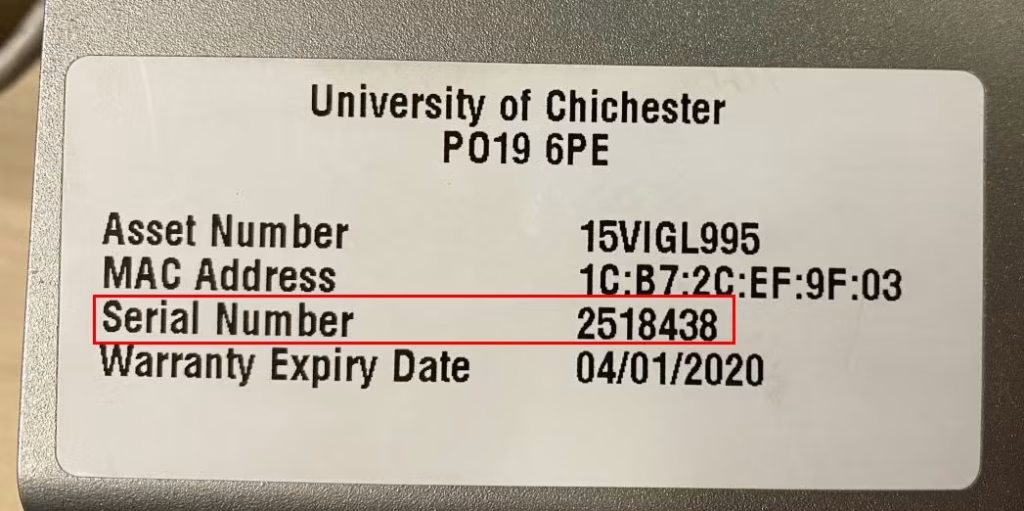
On desktops, the white sticker (usually on the top of the PC) also displays this number.
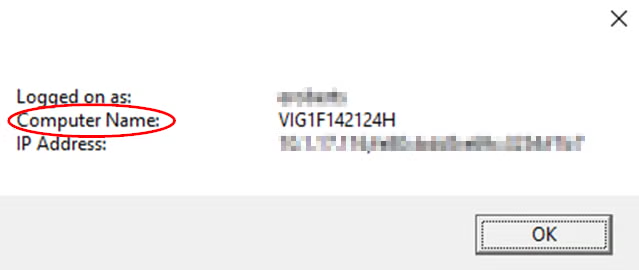
The number may be prefixed by VIG, HP or UOC.
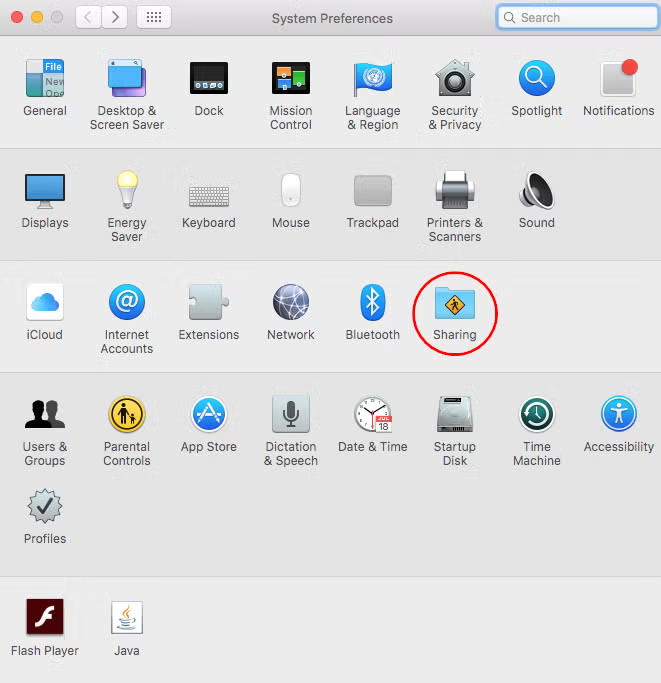
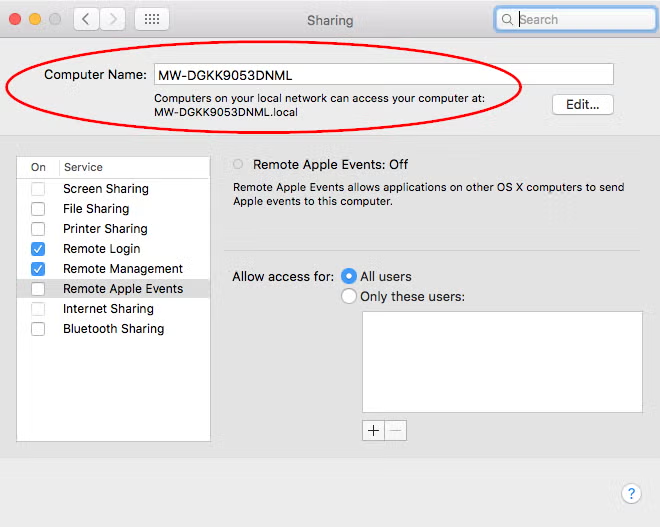
and the number will be displayed in the computer name box
2. For the second method, on the login window, click on the time (top right)
Then click once to display the computer name
If you need to, you can click again to see the operating system that is installed, and click a third time to see the IP address of the Mac