When working in libraries or other shared spaces, it’s important to keep your laptop and personal devices secure. Never leave your device unattended, even for a short time, as these areas are accessible to many people. Always lock your screen when stepping away and use a strong password or PIN. If possible, enable device encryption and keep your operating system and antivirus software up to date. Avoid sharing your login details and ensure any sensitive files are stored securely in OneDrive or SharePoint rather than on the local device. Taking these precautions helps protect your data and prevents unauthorized access.
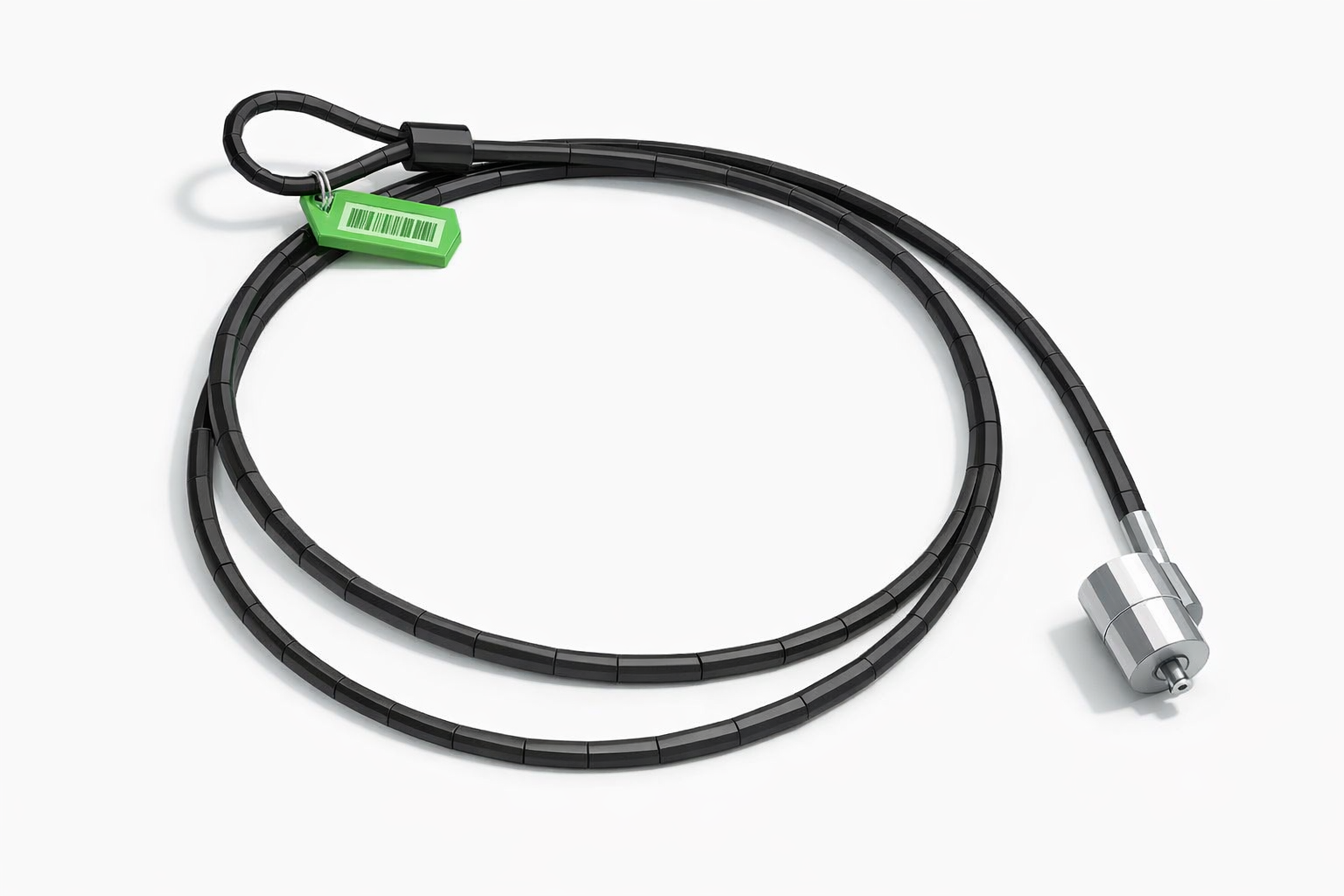
You can borrow Kensington security cables from the SIZ to lock your laptop securely while you walk around the library
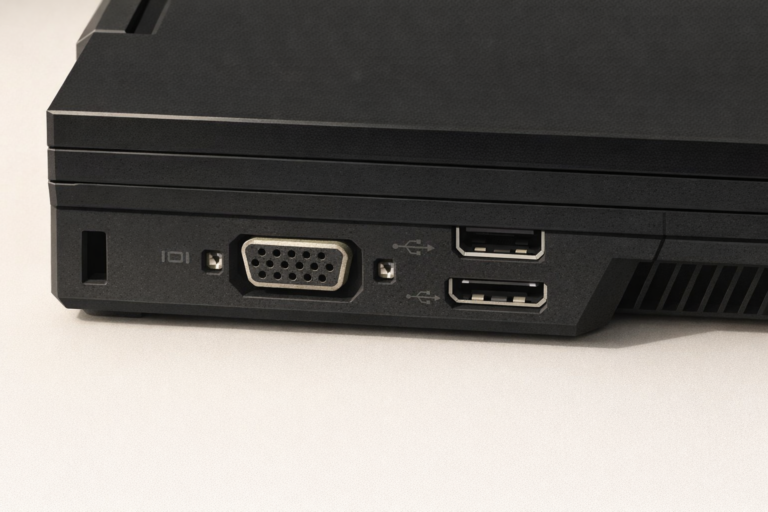
Most laptops will have a Kensington connection (located on the side or back of the laptop)
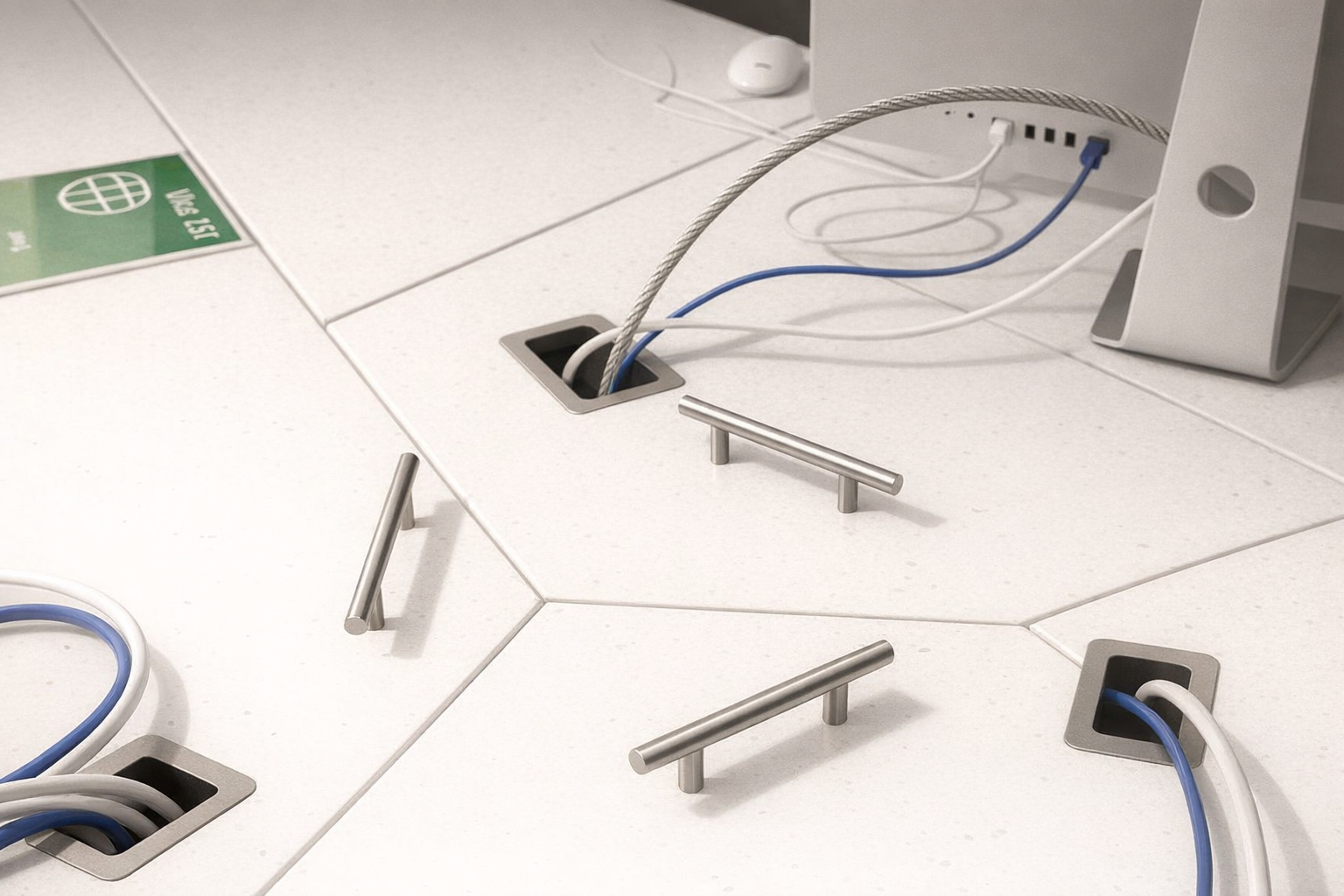
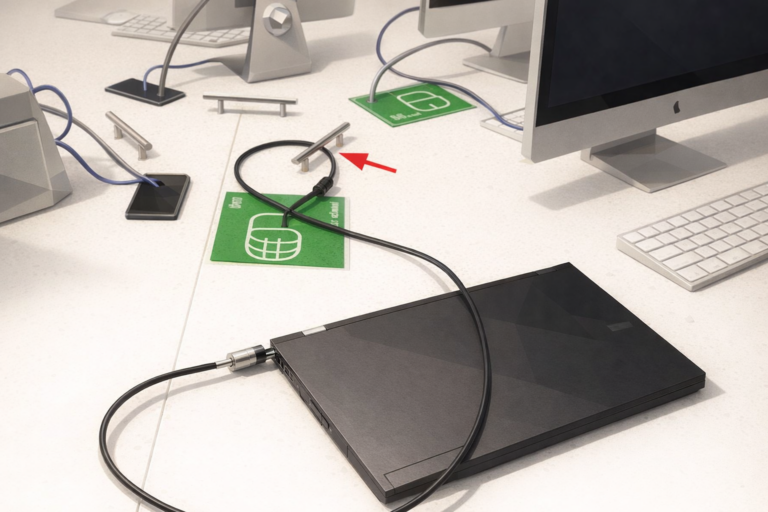
Many desks in the open access areas have security brackets that you can connect your laptop to
The Kensington cable loops through the bracket with the other end attached to your laptop