The UNIQUE function returns a list of distinct values from a range. When combined with FILTER, you can apply multiple criteria, including OR conditions, to create dynamic lists
Example Scenario
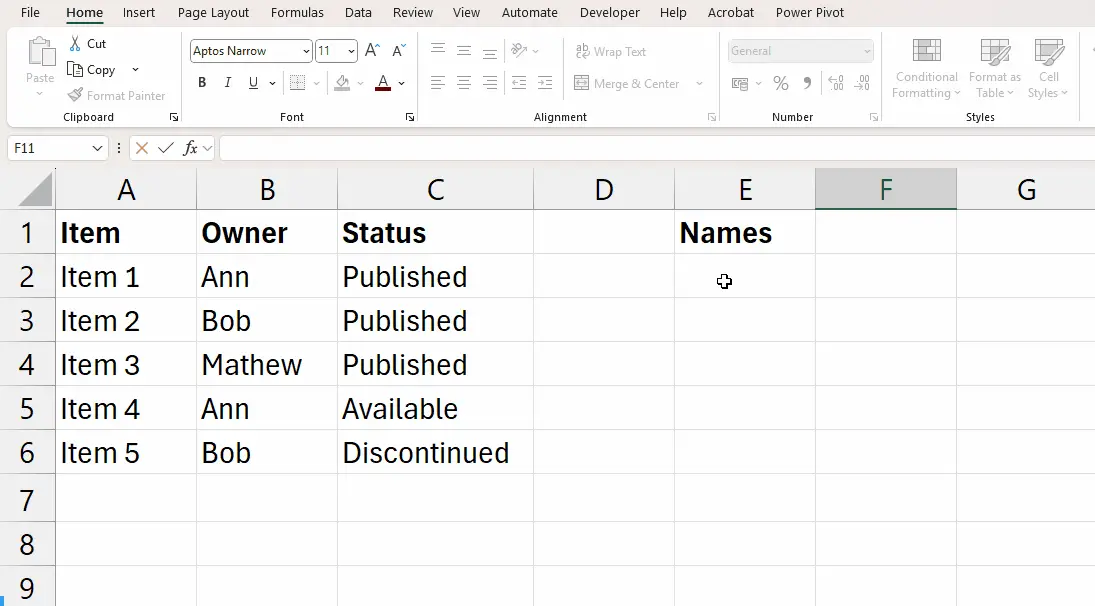
Here is a table of example data,
A
B
C
1
Item
Owners
Status
2
Item 1
Ann
Published
3
Item 2
Bob
Published
4
Item 3
Mathew
Published
5
Item 4
Ann
Available
6
Item 5
Bob
Discontinued
Using UNIQUE to Get a List of Owners
The UNIQUE function returns a list of unique values from a range or array.
=UNIQUE(B2:B6)
This would return back a list of unique ‘owners’. The result will be:
Ann, Bob, Mathew
Picture
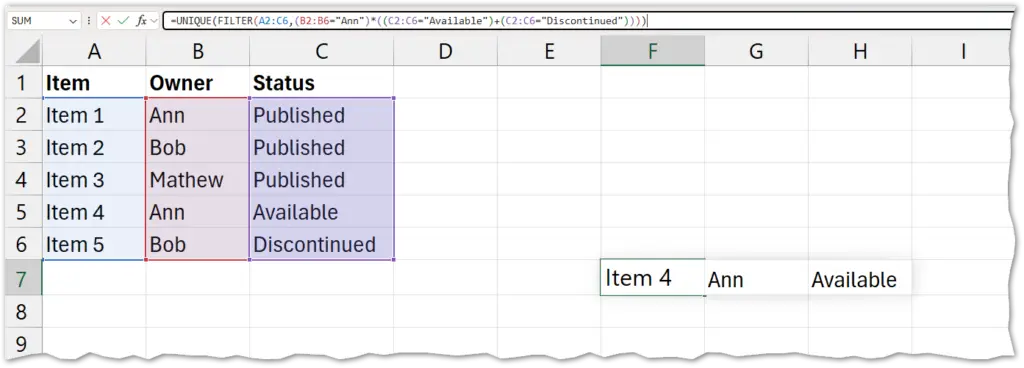
Combining FILTER and UNIQUE
You have a list of items with columns for Owner and Status. You want a unique list of product names where: