< 1 min read
You can manage your open access computer bookings through the booking system (MyPC).
1. Log in to the open access booking system (MyPC) with your University username and password
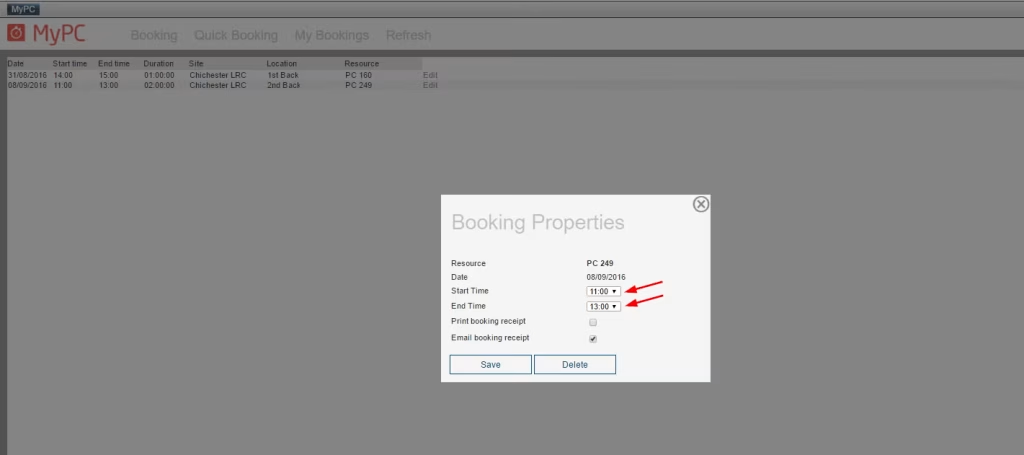
2. Select My Bookings in the top menu and you will see your bookings listed
3. Select Edit to the right of the booking to make changes
4. The Booking Properties window will open. There you can change the details of the booking or delete it